

Nobody hires someone off a resume alone anymore, not really. Clients want proof, something they can actually scroll through and judge before they even send that first message. A portfolio website does exactly that, and a surprising number of freelancers still don’t bother making one.
This guide covers what actually makes a portfolio worth visiting, which builders are worth the money, and how to put one together without burning an entire weekend fighting with templates.
What Makes a Good Freelancer Portfolio Website?
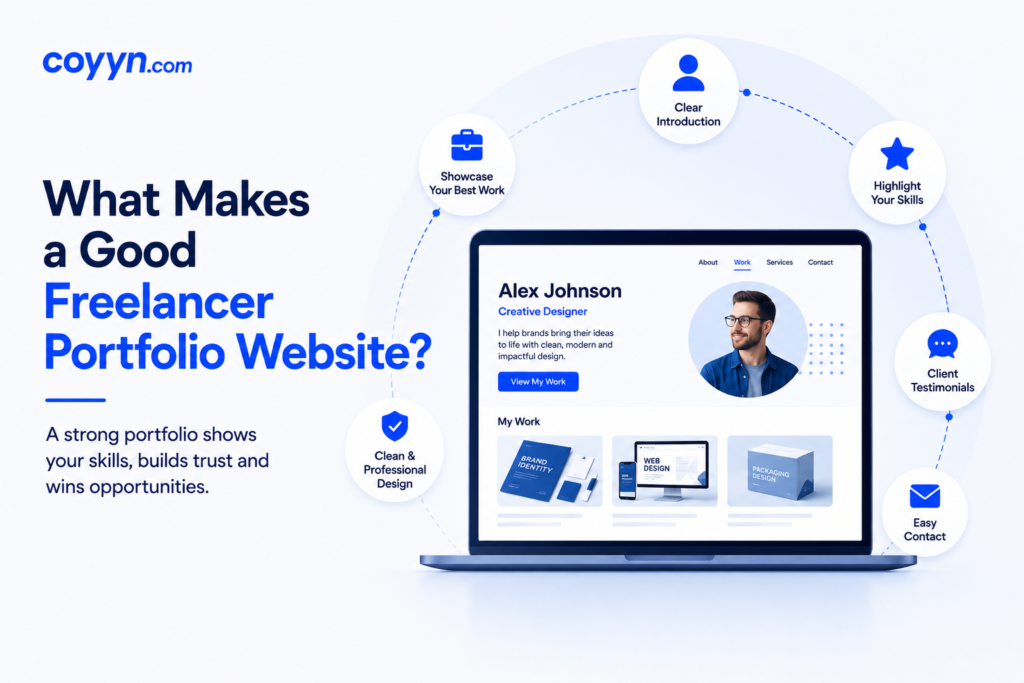
Here’s the thing about a portfolio website, it lets your work do the talking instead of you trying to explain it in a paragraph. Clients want actual samples, not another bullet list of skills that sounds like everyone else’s resume.
The good ones tend to share a few traits. Fast loading. Clean look. Within five seconds, a visitor should know exactly what this person does for a living. Nobody needs fifty pages or animations flying across the screen. Just real work, a short bio that sounds like an actual human wrote it, and some way to get in touch. That covers most of it, honestly.
Best Portfolio Website Builders to Try
Picking a builder shouldn’t eat up your whole weekend, but a lot of people still get stuck here. A few worth checking out:
- Wix – full design control with a drag and drop setup, no coding required
- Squarespace – cleaner, more minimal templates that photographers and designers tend to like
- Adobe Portfolio – comes free with a Creative Cloud subscription, good for anyone already paying for Photoshop
- Journo Portfolio – built specifically for writers and journalists, layout fits articles and bylines naturally
Pricing and hosting differ across all of these, so running the free trial first beats committing to a year upfront blind.
Real Freelance Portfolio Examples Worth Studying
Checking out other portfolios before building your own saves a lot of trial and error. The strong ones open with the best project right up front, not buried three scrolls down where nobody bothers looking. A short breakdown of the problem, what got done, and how it turned out usually works better than just a pretty screenshot with zero context attached.
Writers tend to link a handful of published pieces, sometimes with client names when they’re allowed to share that. Designers lean on before and after comparisons or quick project summaries. What separates a genuinely good example from a mediocre one usually comes down to honesty, the work looks real instead of staged, and there’s enough detail to show how the person actually thinks through a project from start to finish.
How to Build a Freelance Portfolio Step by Step
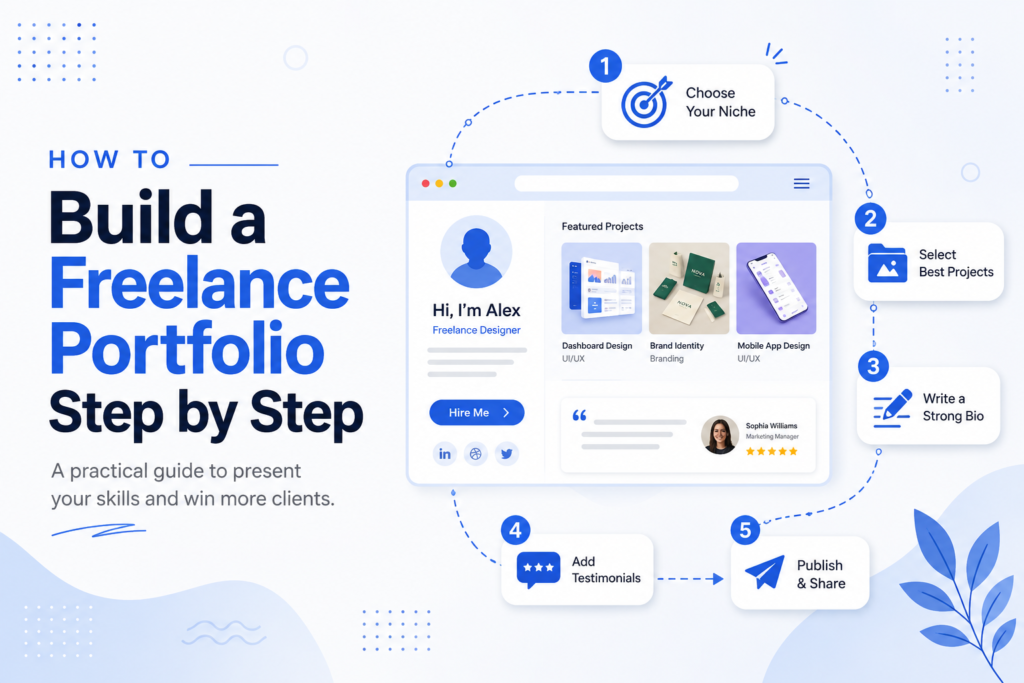
Pick the builder first, and match it to the kind of work being shown, not whatever’s trending this month. Photographers need generous image space. Writers need clean typography that doesn’t fight for attention against flashy graphics.
Once that’s sorted, a few things need to fall into place:
- Add three to six of your strongest projects, nothing more
- Write a short about page that sounds like a person, not a corporate press release
- Include a contact form somewhere easy to find, not buried in a footer
- Grab a custom domain name instead of a free subdomain, it looks more put together
- Check the site on an actual phone before calling it done, since that’s where most links get opened
Tips to Make Your Portfolio Stand Out
Trying to look like an expert in fifteen different things usually backfires. A portfolio that focuses on one or two specialties, and actually goes deep there, tends to land better with the clients worth having. A few small things that add up:
- Two or three client testimonials placed near the top build trust fast
- Getting the mobile version right matters more than most people assume
- Clean layout and simple navigation keep visitors from bouncing off early
- A bit of personality in the writing makes the site feel handmade instead of templated
Common Mistakes to Avoid
Cramming every project ever finished onto the homepage is one of the most common slip ups out there. Nobody’s scrolling through twenty pieces looking for the good stuff, trimming down to the strongest handful actually works in a freelancer’s favor.
Forgetting a clear way for visitors to reach out is another one. Someone likes the work, can’t figure out how to contact the person, and just leaves. That interest is gone for good at that point. An outdated or missing contact form quietly costs real client inquiries without anyone even noticing it’s happening. Worth checking too, basic search visibility, since even a simple page title and description helps people stumble onto the site through search instead of only through a direct link someone shared.
Final Thoughts
A solid portfolio website turns scattered work samples into something clients can actually browse through and trust. The right builder, a handful of real projects, and a simple design usually beat anything overdone or flashy.
Anyone still leaning only on a resume might want to build one this week. It rarely takes more than a couple of days, and the payoff tends to show up faster than most people expect.
FAQs
Do freelancers really need a portfolio website?
Pretty much, yes, especially for creative or skill based work, since it gives clients something solid to judge instead of just a resume or a two line bio.
Which portfolio builder is best for beginners?
Wix and Squarespace both work fine for beginners, neither needs coding, though Squarespace tends to be a bit easier for simple layouts.
How many projects should a portfolio include?
Three to six strong pieces usually beats a long list, quality wins over quantity here almost every time.
Can a portfolio website replace a resume entirely?
Not always. Some clients still want a resume on top of the portfolio, but for a lot of freelance work, the site alone does most of the heavy lifting.